Output that fits the task
Request HTML, Markdown, clean text, JSON, metadata, screenshots or PDF. Use readable content for documents and structured fields for application workflows.
SCRAPERFLY HQBart project
Connect public web content to your application without assembling every fetching and cleanup step yourself. Choose the response format and add rendering or delivery controls when needed.
For developers building products, research workflows and automation.
MEET THE PROJECT
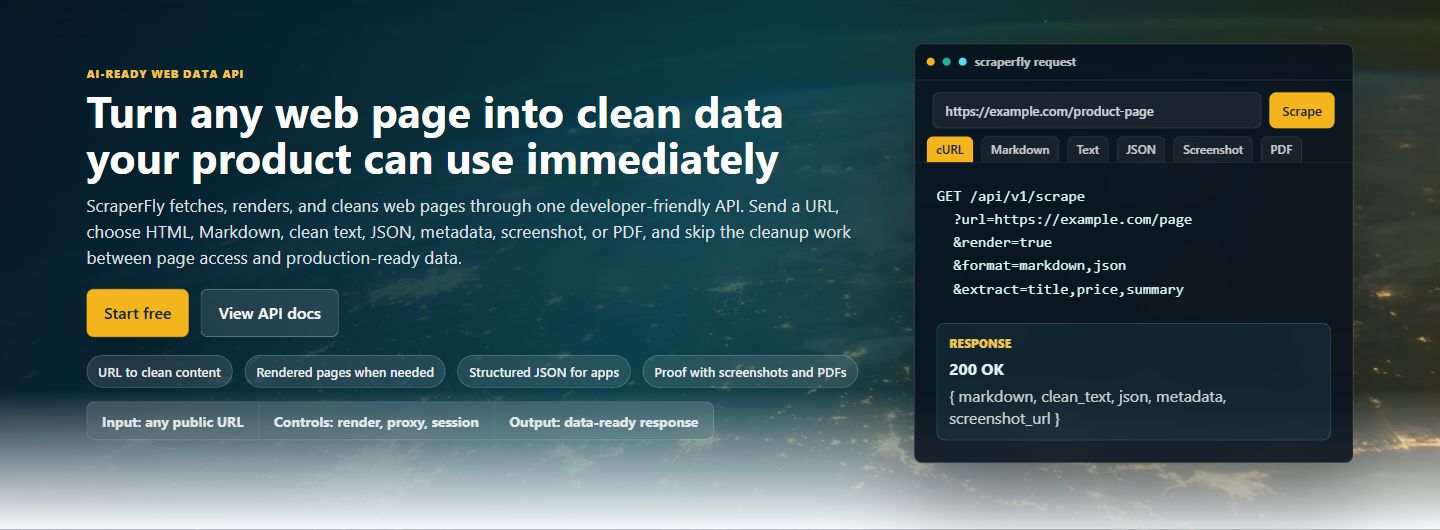
The public overview shows the request format and the kinds of output the service is designed to return.
WHAT YOU CAN DO
Request HTML, Markdown, clean text, JSON, metadata, screenshots or PDF. Use readable content for documents and structured fields for application workflows.
Enable browser rendering for pages that need it. Simple pages can use a lighter request; the documentation explains the available controls.
Configure supported proxy routing, sessions, headers and related settings as the target requires. Keep the first integration as simple as the task allows.
Use cleaned page content and metadata in retrieval, search and other AI-assisted workflows, with less raw markup to process.
Request screenshots or PDFs when the visible page matters alongside the extracted response. Check the relevant file-output options in the documentation.
Build around the documented API fields and handle the response in your own server-side code. Keep API credentials on your server and account for the selected request options.
A CLOSER LOOK
The project’s public capability overview covers extraction, readable content, output formats and delivery options.
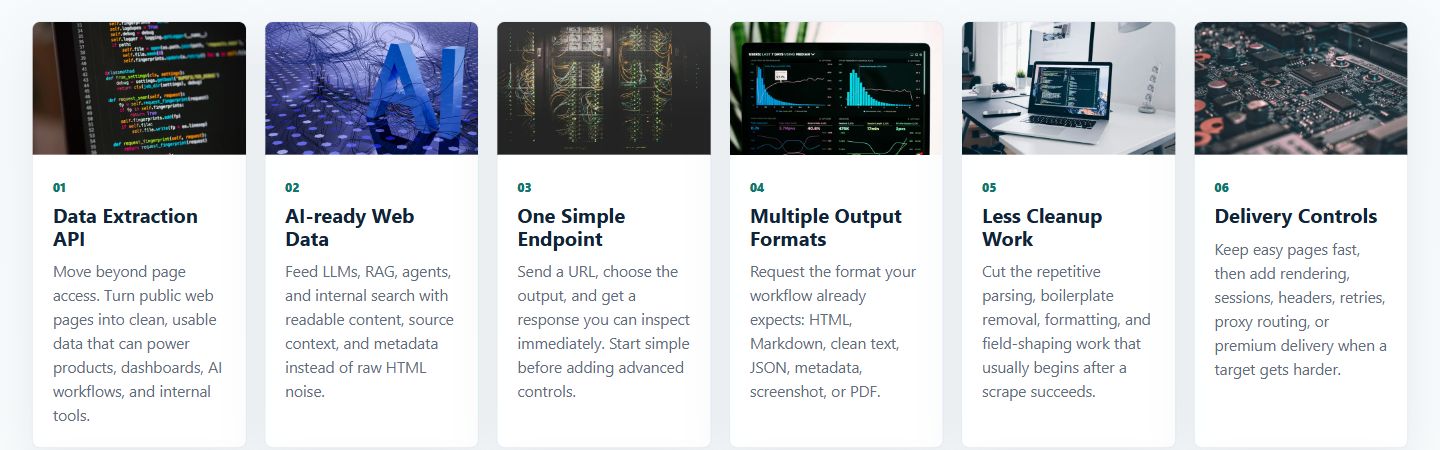
Start with the official quickstart and the parameters for the output you need.
Use your API key server-side and add rendering or other controls only when appropriate.
Handle returned content, structured output or files in your application and monitor the request settings you use.
USEFUL TO KNOW
No. The API supports simpler fetches as well as JavaScript rendering. Choose based on the target and review the documented credit costs.
Yes. The project documents readable text, Markdown, JSON, metadata and visual file outputs alongside HTML. Check the requested format and fields for your integration.
Use the live documentation and pricing page on ScraperFly for request options, credit usage and plan details. This HQBart overview does not reproduce a tariff.
SCRAPERFLY
Part of the HQBart collection. Explore the current product on its own website.